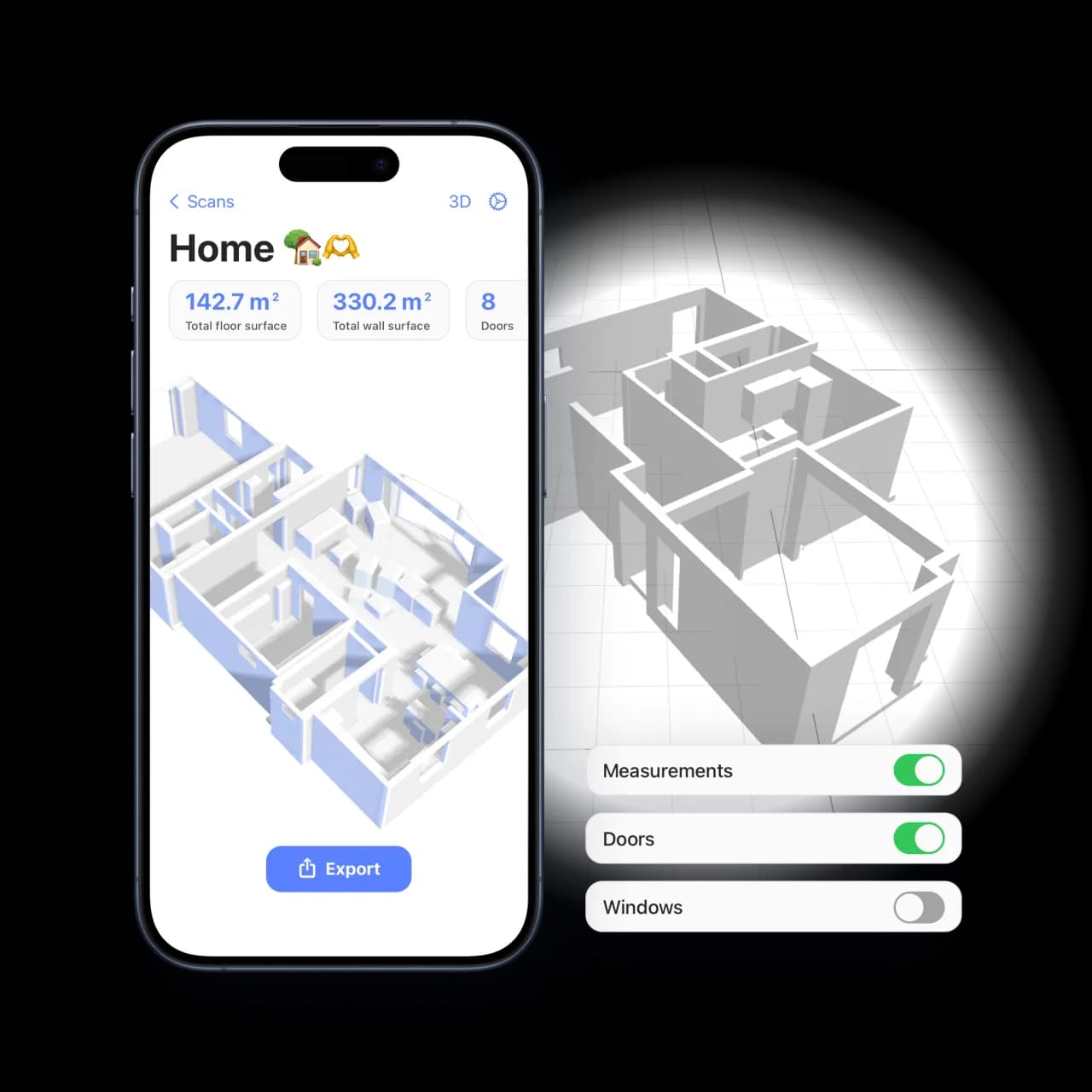
My scans in your browser
How do my scans reach the website?
Let Room Scanner finish syncing with iCloud, then sign in to My scans with the same Apple account. Open a room, building or project. If recent changes or attachments are missing, finish sync in the app and retry the evidence load.
Can I see saved layouts, versions and my original scan?
Yes. A scan with saved layouts or plan versions offers a preview selector. The original capture is available when it was saved by the app. Previewing an alternative does not change your iCloud scan. Web reports use the current saved plan.
What happens to survey evidence and checklists?
When a synced scan contains survey notes, features, photos, supporting PDFs or checklists, My scans displays the available records and their assignments. Recorded iOS review decisions are shown with their limits; confirm current evidence review and generate the complete survey or EPC report in the app.
Which download should I use?
Geometry JSON contains the room or building geometry only. The scan archive ZIP preserves saved data and original attachments for reference; it is not an app import file. To transfer a scan back into Room Scanner, use the portable JSON export from the iOS app.
Why is a photo date or file unavailable?
A missing capture date stays unknown; upload time is not substituted. A local capture date without a timezone is labelled accordingly. Some original image formats cannot be previewed by every browser. Missing or failed attachment downloads prevent a complete archive, and broken photo previews prevent printing.
Can I edit scans or generate every iOS export in the browser?
Use the iOS app for capture, geometry edits, version restoration and native exports. My scans supports browser viewing, survey schedules, evidence review and downloading. You can print a review copy for one scan or a project, with overlapping plans excluded from project totals. Supporting PDFs are linked; their pages are not appended and native evidence fingerprints are not revalidated.
