Room Scanner help
From first scan to finished plan.
Your first scan, a plan without LiDAR, a whole house, a property presentation or an EPC survey. Find your guide and make the most of Room Scanner.
Live scanning needs an iPhone or iPad Pro with LiDAR (iPhone 12 Pro or later). Any other iPhone or iPad can enter measurements instead.
Illustrated guides. Follow along at your own pace.
What would you like to create?
Choose your task and follow the illustrated steps. The multi-storey, Estate Agent and EPC guides also come as a printable PDF.
Getting started
Scan your first room
Start, walk the room, stop and save a floor plan in about a minute.
Read the guide
Getting started
No LiDAR? Enter measurements
Type a room's width, length and height to get the same plan and 3D model.
Read the guide
Getting started
Edit, export and share
Add doors and windows, fix walls, then export a PDF, image or CAD file.
Read the guideHouse scanning
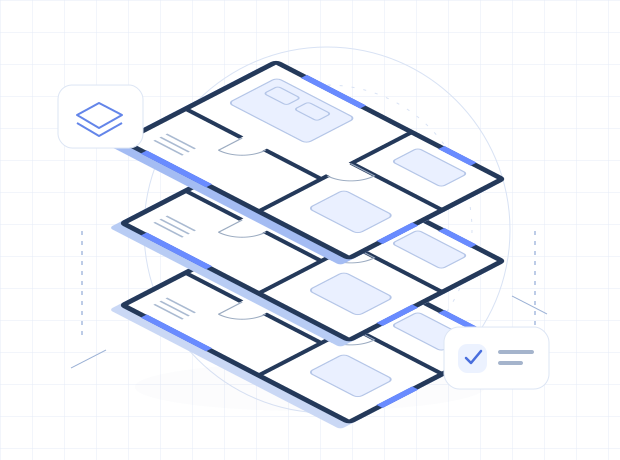
Scan a multi-storey house
Keep each floor together in one house project.
Read the guide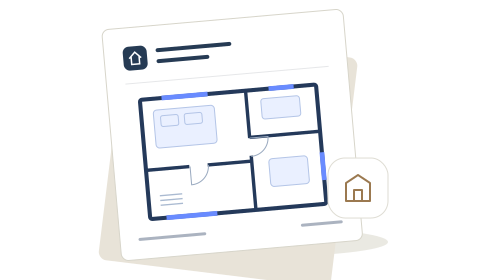
Estate Agent
Create a property plan
Edit plans, add your branding and export a presentation.
Read the guide
EPC surveys
Prepare an EPC survey
Collect evidence, check the plans and export your report.
Read the guideQuick answers
Does my iPhone need LiDAR?
Live scanning needs LiDAR: iPhone 12 Pro or a later Pro model, or an iPad Pro from 2020 or later. On any other iPhone or iPad you enter the measurements instead and get the same floor plan and 3D model.
Enter measurements without LiDARHow many plans can I make for free?
Two, scanned or entered. A floor plan of several rooms scanned in one go counts as one. Pro removes the limit and the ads.
Compare Free and ProHow do I get a PDF of my floor plan?
Open the plan, tap Export, choose PDF and tap Export document. Without Pro you watch a short ad first. The iOS share sheet then lets you send or save the file.
Export and shareThe scan missed a door or window. Can I add it?
Yes. Open the plan, tap the pencil, then + and choose Door or Window. Drag it into place on the wall and tap Save.
Edit a planHow do I scan a house with several floors?
Create a project for the house, then add one floor plan per storey with Add plan and choose the Floor. Save each floor before you go up or down the stairs.
Scan a multi-storey houseI have a new phone. How do I get Pro back?
Sign in with the same Apple ID, open Room Scanner, tap the gear on the Projects screen and choose Restore purchases. Your scans sync through iCloud on the same Apple ID.
How do I cancel my subscription?
Apple manages subscriptions: open the Settings app on your iPhone, tap your name, then Subscriptions and Room Scanner. Pro stays active until the end of the period you have paid for.
Can I use Room Scanner on Windows?
Yes. Use the browser workspace in Edge or Chrome to review and edit supported plan details and prepare reports. Sign in with the same Apple Account as on your iPhone after iCloud has synced. You can add a desktop shortcut; an internet connection is required.
Set up Room Scanner on your computerHow do I change units or language?
Tap the gear on the Projects screen. Units switches between metres and feet, and Language changes the app's language.
What you can make
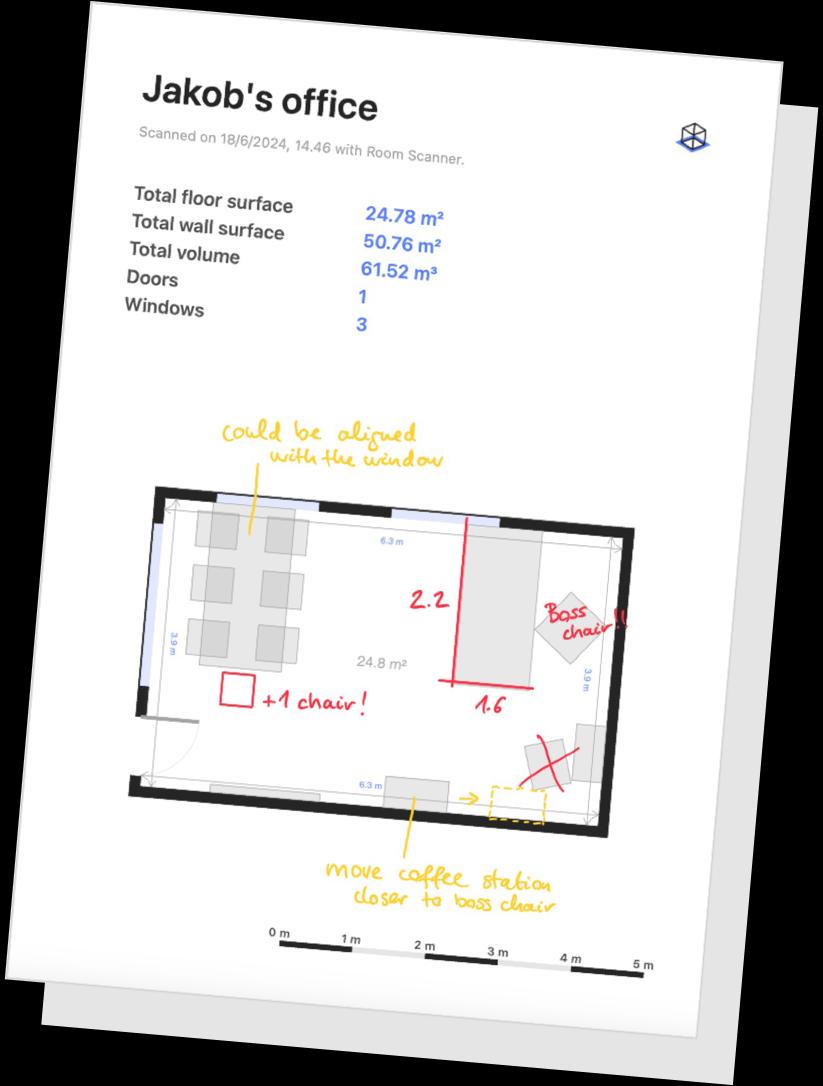
A measured floor plan
Floor area, walls, doors and windows on one page. Print it, mark it up or send it as a PDF.
Edit, export and share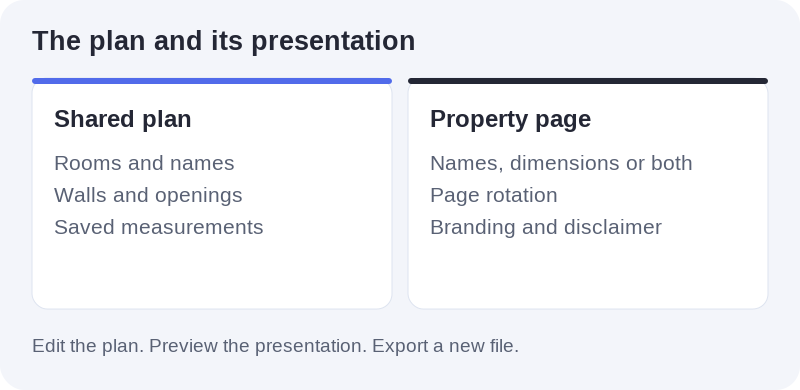
A branded property plan
Every floor with your logo and details, ready for a listing or a client.
Create a property plan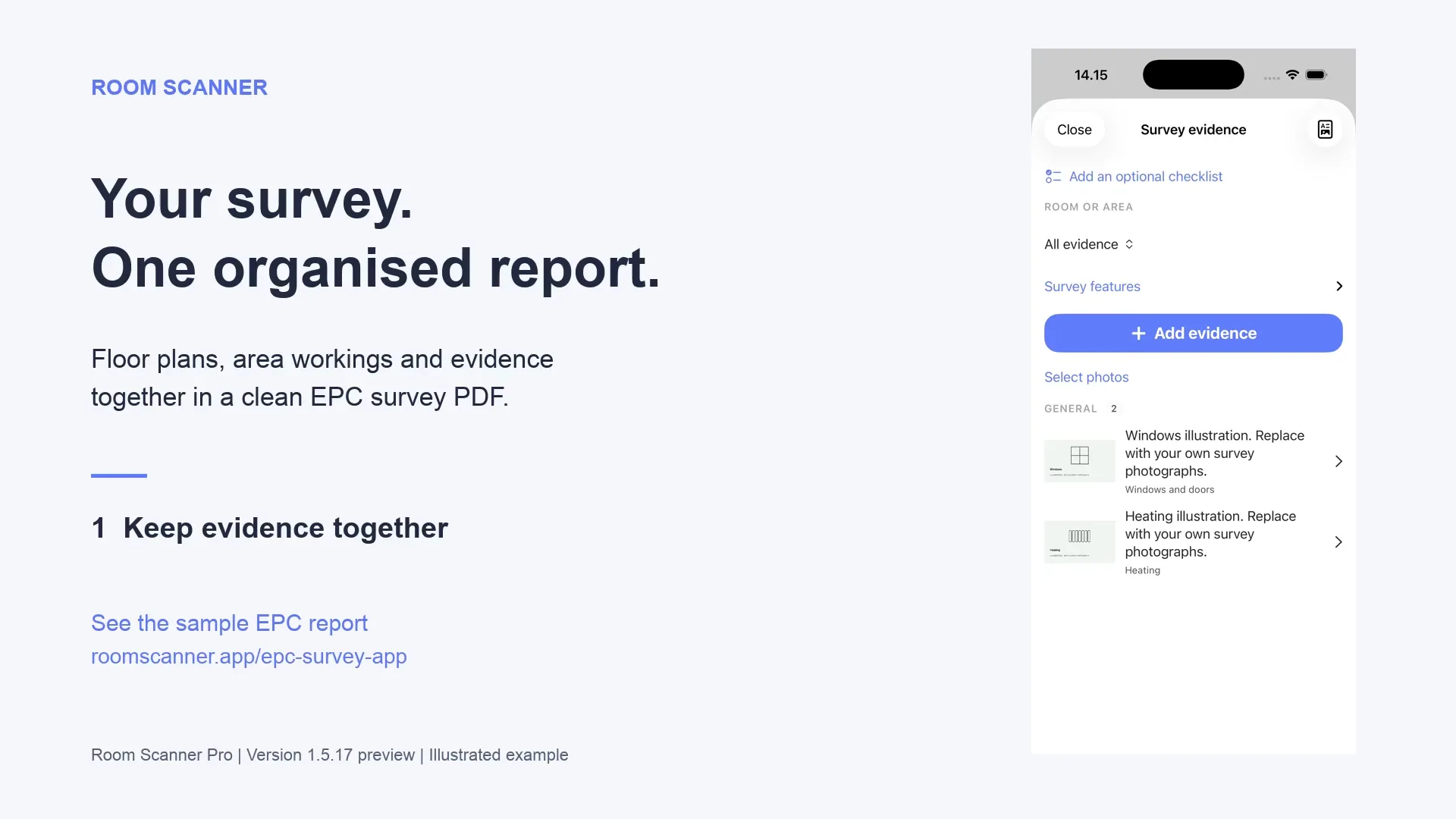
An EPC survey report
Plans, area workings and evidence photos together in one survey PDF.
See the sample report